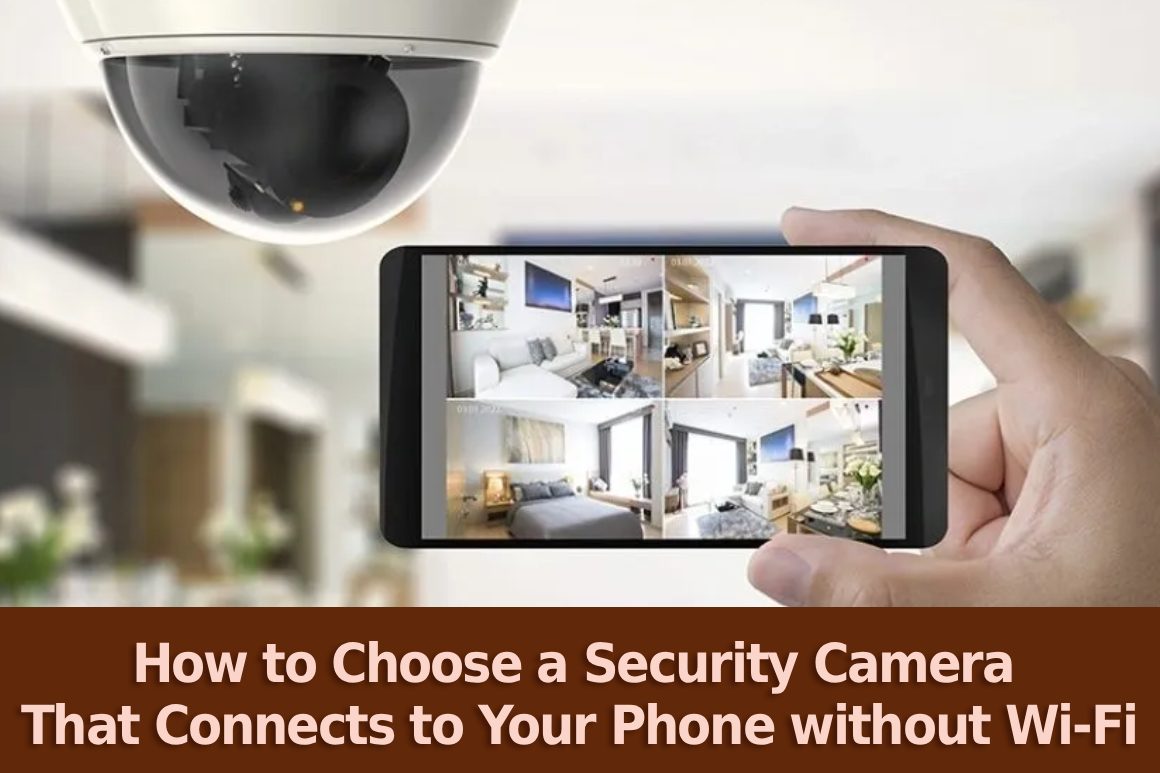
Most of us have been through this: you figure out the perfect spot for your Security Camera but then realize the internet signal at your home isn’t reaching that place. Whether it’s a detached garage, a remote garden shed, or a construction site, a “no signal” bar can be a big hurdle for your safety plans. The good news is that technology doesn’t require routers anymore.
In fact, you can now have a really good Security Camera that can send live alerts and videos right to your phone without a Wi-Fi connection for miles. It’s not as difficult as you think and it is definitely revolutionizing how we safeguard our most remote areas. This article will guide you through the details of what you should consider to be able to keep an eye on your property from anywhere in the world.
Why Skip the Wi-Fi?
A standard Wi-Fi camera comes with a number of advantages, but it also has a few drawbacks. For example, a heavy brick wall would be a strong obstacle for Wi-Fi, and a long driveway would be an absolute no for the signal. Wi-Fi on camera can be quite unreliable. For instance, if the internet box reboots, the camera becomes blind.
Selecting a Security Camera that connects directly to your phone through cellular data (in the same way that a smartphone does) will offer you a connection that is not only more stable but much less exposed to “jamming” by a possible intruder. Since they give a real sense of security no matter where they happen to be, these “offline” solutions are becoming widely popular at Eu Spy Shop.
Look for 4G or LTE Connectivity
The easiest and most popular method to connect a camera to your phone without Wi-Fi is a SIM card. These types of cameras are very similar to the way your phone works, as they use 4G or LTE networks. When shopping, search “4G Security Cameras.” These products have a tiny SIM card slot in them.
After inserting the card, the camera contacts the nearest cell tower. Therefore, as long as there is a cell signal in that location, you can access the camera video on your phone screen through an app.
Consider the Power Source
It’s likely that if you are in a place without Wi-Fi, you won’t find any plug sockets around either. For an autonomous security camera that doesn’t rely on either of these, keep in mind these two power choices:
- Battery Powered: If you decide to use a battery-operated security camera, you will get the most from the battery if the camera is used for monitoring only between the installation time and the battery consumption time. Since the camera can be turned off at night or at times when the area is not being monitored, the camera will only need to be recharged once in a few weeks or even months.
- Solar Powered: This is the “set it and forget it” option. A small solar panel supplies the battery regularly, so it’s a great choice when the camera will be installed in a remote shed or farm out building where you won’t be able to rely on a power outlet.
Pay Attention to “Local Storage”
The camera should still store the footage in a secure location even when you are accessing it through your phone. A camera with an SD card slot will be ideal for you. Why? In case the cellular connection is interrupted for a short period, the camera continues to record on the memory card. You won’t miss a single moment of that event. Also, you don’t have to remove the card each time you want to watch the recordings as you can do this right from your phone app.
Quality and Night Vision Matter
If the picture is blurry, it won’t really matter how the camera is linked. Find a security cameras london that has a resolution of 1080p (High Definition) at a minimum. Besides that, it would be advisable to check the phrase “Infrared Night Vision. ” Most criminal acts occur during the night. A good camera can even track a robber in the most complete darkness, and at the same time, it will send an alarm to your mobile phone when it detects any movement at 3:00 in the morning.
Is It Easy to Use?
Before making a purchase, you need to find out what app users think about it. The app has to be user-friendly since you will be using your mobile phone to operate the camera. It should be easy to launch the app, get the live view without waiting, and receive meaningful notifications. You definitely shouldn’t have to know advanced computer knowledge to identify who is at your house!
Frequently Asked Questions
Can I see live video if I don’t have a Wi-Fi security camera?
Well, if you have a 4G cellular camera that uses a SIM card, yes! A 4G camera with a SIM card sends the video directly to your mobile app via the cell network, just like a FaceTime call.
Do I need a separate data plan for a non-wifi camera?
Yes, in fact, as the camera uses cellular data to send the video to your phone, you will be required to get a small data-only SIM card, like the one you might use in a tablet.
Will the camera work if the power goes out?
Absolutely. Most cameras that don’t use Wi-Fi are designed for remote areas and rely on internal batteries or solar panels, so they keep working even during a power cut.
Wrapping Up
Choosing a security camera shouldn’t be limited to how far your Wi-Fi signal can reach. By looking for 4G-enabled security cam and also considering solar power, you can secure any corner of your property.
At Eu Spy Shop, we think that security should not be a luxury. Whether you are securing a remote holiday house or just a dark corner of your backyard, a solution that suits your lifestyle is available. Want to discover the ideal security camera for your home? A safer and more connected world begins with you reviewing our wide range of security cameras at Eu Spy Shop no wires necessary!